

Android 17 features upgrade with unique UX
Android’s open ecosystem is its superpower, but fragmentation is its kryptonite. As we head into Google I/O, these are the Android 17 features upgrade that would help crush my daily frustrations.
Android is a powerful operating system owing to its raw capability. It champions open customization, pioneers cutting-edge features, and gives users absolute control over their hardware in ways Apple iOS doesn’t. But this freedom comes with a tax: a fragmented user experience. Android’s OS often lacks the cohesive glue to make its massive ecosystem feel seamless. Brilliant individual features exist in isolation, separated by clunky menus and non-unified app behaviors. I don’t want more novelty as I look to Android 17: I want a unified platform. Ahead of Google I/O on May 19, here are five features I want to see to make Android the refined, harmonious ecosystem it deserves to be.
The Audio Mixer: Control the Noise, App by App
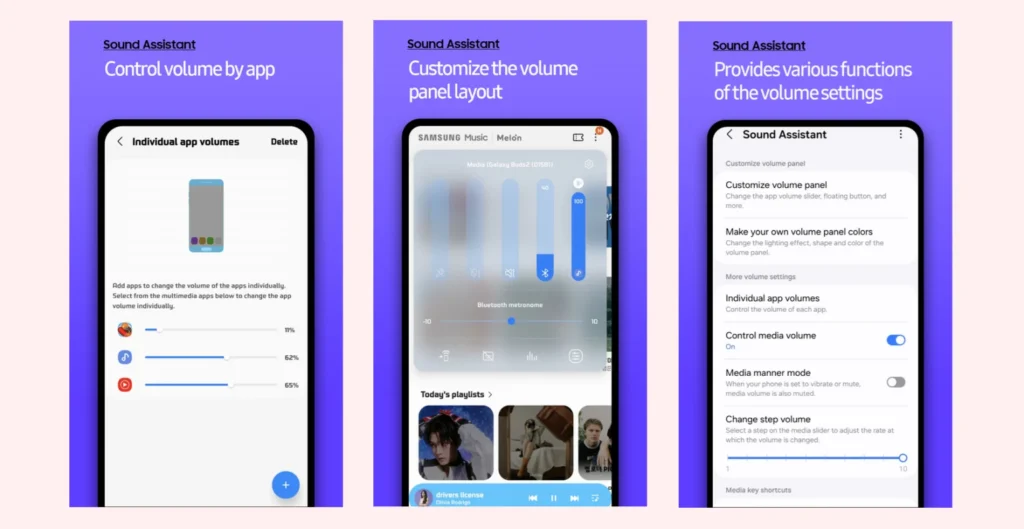
Currently, Android volume is “all or nothing”—If I’m listening to music but need to hear my GPS, I have to hope the app’s internal settings play nice. I want native, individual app sliders that don’t require digging into settings. Imagine lowering a noisy mobile game while keeping your Spotify playlist at 100%, or even a toggle that lets two apps play simultaneously—something the OS usually blocks by default. Samsung Galaxy users have the Sound Assistant app that does this very thing. But it needs to be codified into the Android OS. Bringing this “multi-stream” audio management to stock Android would finally give me true control over my soundscape.
Predictive Back: Stop Swiping Into the Unknown
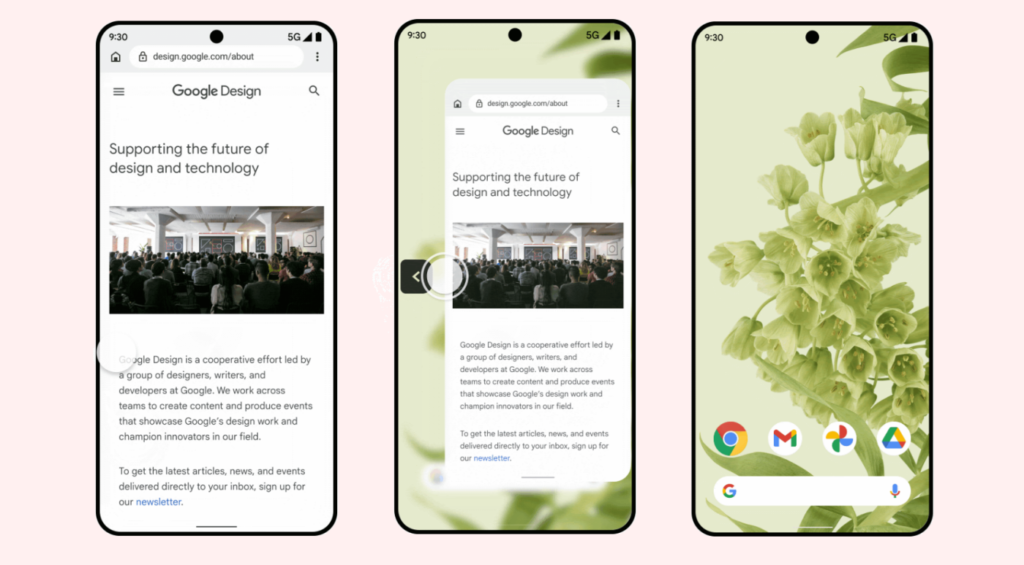
I’ve done it, and I’m sure you have too: I swipe back to a previous page, but the app suddenly closes, and I’m back on my home screen instead. Android 17 needs to put the kibosh on the “mystery swipe” by making predictive animations mandatory. Yes, Android does have this feature, but its availability and behavior depend on your device version and whether developers have enabled it for their specific apps.
My frustration is that developers must opt in to this feature for it to work in their apps. Google needs to tighten the leash and make it compulsory for all apps. As you swipe, the current screen should shrink away to reveal what’s underneath—whether it’s the previous menu or the home screen—giving me a split-second to cancel if I realize you’re about to exit by mistake. It turns a guessing game into a deliberate, visual choice.
Bypass Charging: Plug In Without Killing Your Battery
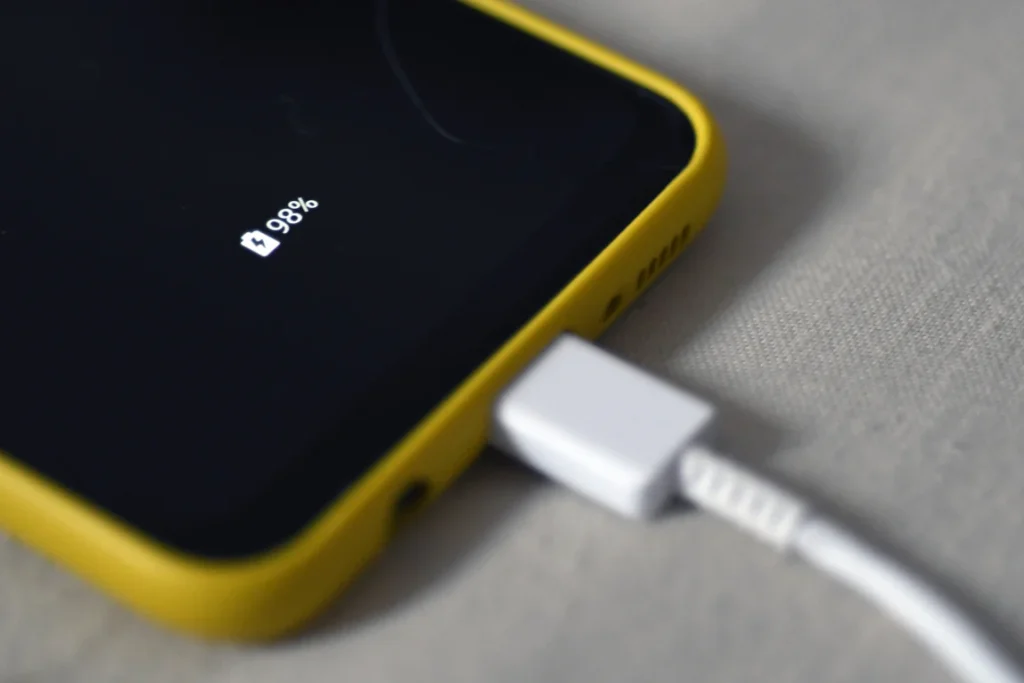
Using your phone while it’s plugged (i.e., for gaming, GPS, or as a hotspot) generates heat from the screen, the processor, and the charging process. This unholy trinity of battery death is one of the primary catalysts for battery swelling and capacity loss, and you may not even be aware that it’s a problem. I confess that I’ve done it, despite feeling my phone get dangerously hot when playing while charging.
I want to see a bypass charging mode that lets your phone run directly from the charging cable, bypassing the battery entirely. This keeps the device cool and preserves battery health. Again, some Android devices, like the Asus ROG Phone and Samsung Galaxy, already do this. But it needs to be adopted universally. It’s a necessary “pro” feature as Android devices move toward being full-time desktop and gaming replacements.
Quantum-Ready Protection: Future-Proof Your Private Life
With AI and computing evolving at a blistering pace, the security and encryption of today may be obsolete in a few years. Standard encryption relies on math that current computers can’t solve, but crafty hackers are playing the waiting game. “Harvest Now, Decrypt Later” is a real threat—hackers are stealing encrypted data today, then waiting for superior computers to crack it in the future.
I want to see Android 17 implement Post-Quantum Cryptography (PQC) for all local files. By using NIST-standardized algorithms, Google can ensure that my private photos and messages remain secure not just today, but for the next decade. It’s the ultimate “set it and forget it” security upgrade. While Android 17 has begun testing quantum-resistant signatures for the bootloader and Keystore, I wish for End-to-End Local Encryption. This would secure my private files, photos, and messages using NIST-standardized algorithms (such as ML-KEM) that are ‘quantum-safe’. It’s a feature that ensures my 2026 data remains private even in 2036.
The Storage Command Center: One Bin to Clean Them All
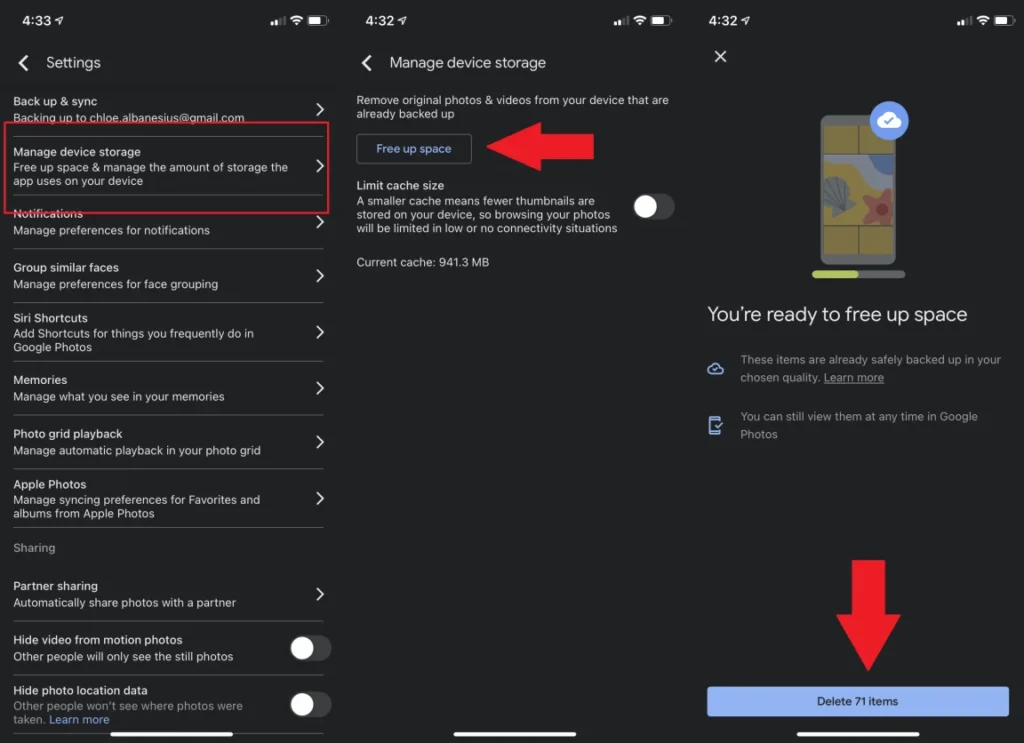
On Android, “deleting” something doesn’t always mean it’s gone. Photos has a trash, Files has a trash, and Gmail has a trash. I can have 10GB of “deleted” junk sitting in four different places, eating up my precious storage without even realizing it. I need a single, centralized recycle bin dashboard that lets me see every system-wide “trashed” item and wipe them all with a tap. This would eliminate the mystery of where my storage went and make digital spring cleaning effortless on any device.
Android doesn’t need to reinvent the wheel to win the next generation of smartphone computing; it needs to balance its open architecture with thoughtful, predictable design. By introducing features like an intuitive audio mixer, mandatory predictive navigation, and battery-bypassing stationary power, Google can address some of my biggest daily frictions. These adjustments bridge the gap between the simplicity I generally crave and the deep utility I demand from my Android device. Android 17 is the perfect opportunity to transform a fragmented toolkit into a truly cohesive and intelligent powerhouse.
Credit: Gabriel Zamora, PC Magazine

 Emeka OBINNWA(http://emex-systems.com)